WEEK 2 -
|
This week (2) together in contact class and
practical class, we have discussed
prototype deeper and more understanding about prototyping, and but
Also, we 've is started our project concept
we 've only Participate
our concept with classmates in practical and made a simple
content about the concept
Also, In the contact class, we watched some video
about how the thing can cooperate with people
In practical class, we were learned about Adobe
Photoshop to produce GIF
How we can Graphics Interchange Format
better known by its acronym GIF
How we can a bitmap image format
Also, we have Comparing with some
there 5 steps for creating a GIF.
1 : choose the "windows" --"cartoon"
2 : Choose the first picture as the first layer, one layer is a frame.
3: Putting other pictures on top of the first pictures, then we have many layers. Click a triangle button on the cartoon window,then all the layers can be set a delay time of each frame.
( or we can editing all the layers together if we press shift to click all the layers).
4: When I press "Space" , I can preview the GIF effect.
5: save all the layer as GIF format.
We more talked about wearable Inventions but in different syntax, for example, mention an embarrassing situation and how to make it worse:
When you try to take a photo of someone without his knowledge and a capture sound goes off, a flash will also go off on both sides ( in front and back camera) to really make it worse.
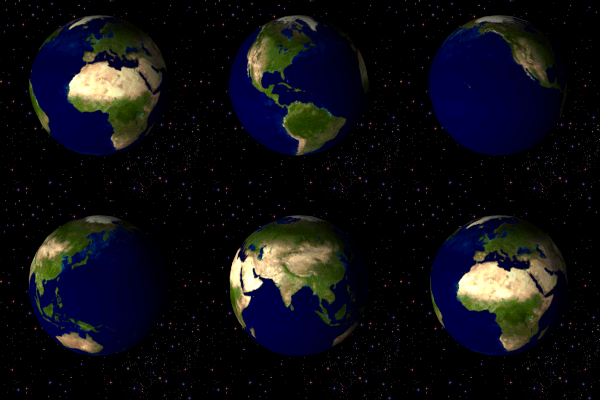
The picture below is what I made in practical class by using Photoshop.
| A rotating globe in GIF format. |


No comments:
Post a Comment